Sins Of A Solar Empire II Update Notes (v1.61.3) (19th June 2026)
V1.61.3 tackles the #1 crash culprit for Steam Deck and laptop players with a new texture quality setting, while overhauling custom portrait support.
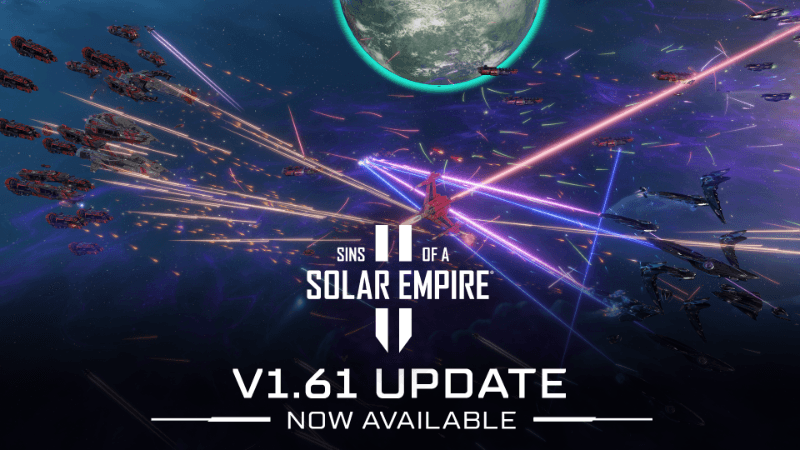
Sins Of A Solar Empire II's v1.61.3 update dropped today, and it's less of a hotfix and more of a stability overhaul disguised as one. The headline fix is a new texture quality setting buried in Graphics → Rendering Device, specifically designed to stop the shared memory crashes that have been plaguing Steam Deck and laptop players. That's been the #1 crash cause for those systems, so this single addition could be a for handheld players.
Beyond that, custom portraits got a real refresh. You can now use custom portraits for AI players, the legacy AI artwork directory is properly set up for legacy versions, and a bunch of portrait bugs that were leaving garbage UI elements between menus are finally gone. The map generator's planet-counting bug is fixed, quicksave in tutorials is blocked, and the Map Search bar actually works now.
Look for the texture quality slider if you're running this on Steam Deck or a laptop, it's the most important thing in this patch.
Full Patch Notes
▲ Buff✓ Fix◆ TweakMore than a hotfix, but we’re calling it one anyway!
- NEW - Texture Quality Setting
- We’ve added a new setting to Settings → Graphics → Rendering Device to adjust the texture quality of units in the game.
- Adjust this if you’re on a laptop or on Steam Deck, as those systems use Shared Memory for graphics and will crash if you run out of it. This is the #1 cause of crashes for players on these systems.
- Custom Portraits
- Updated default custom portrait directory for the legacy AI artwork so users can select pictures from previous versions.
- Made various custom portrait bug fixes (e.g., garbage elements showing between menus, custom portrait selection not ‘sticking’ between menus/sessions).
Sources
Stay on top of every update — find all the latest patch notes and gaming news at XP Gained. Join our Discord for live patch note alerts and discussion.
Written by
Nathan LeesGaming journalist and founder of XP Gained. Covering patch notes, breaking news, and updates across 160+ games.
Related Posts

Steam Controller Finally Works in KCD 2
Valve's latest Steam Beta update squashes a Steam Controller bug in Kingdom Come: Deliverance II, alongside overlay and Remote Play fixes.
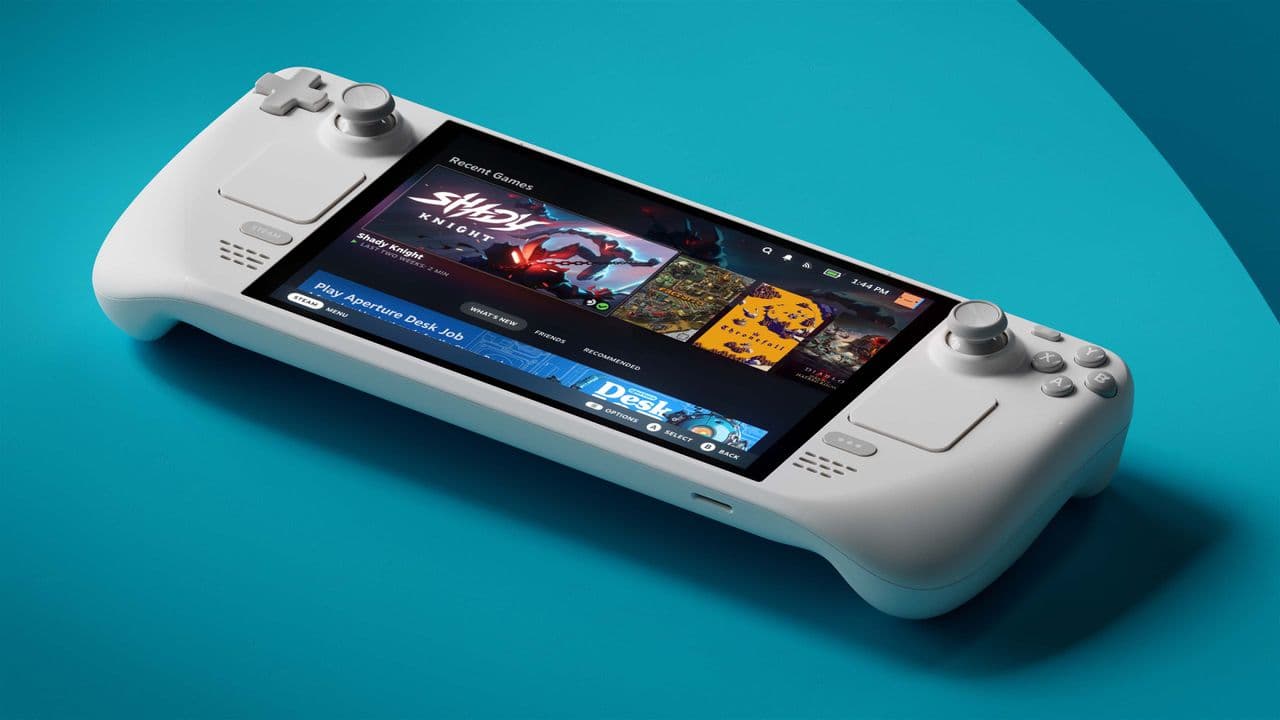
50% Faster Isn't Enough? Valve's Wild Bar for Deck 2
Valve's Pierre-Loup Griffais confirms the company is 'hard at work' on Steam Deck 2, but won't settle for anything less than a generational performance leap over the original.

Sid Meiers Civilization VII 1.4.1 Hotfix Notes (30th June 2026)
Firaxis rolled out a targeted hotfix for console and Linux players, squashing controller issues and a few lingering UI bugs.