Cities: Skylines II Update to Saving Bug Patch Notes (29th May 2026)
Colossal Order has pushed a beta hotfix for Cities: Skylines II's save-stuck bug, and you can test it right now via a Steam beta branch.
A broken save function is about as bad as it gets in a city builder. Losing hours of carefully laid transit lines and zoning decisions because the save action gets stuck is brutal, and Colossal Order clearly knows it needs to move fast on this one.
The studio has opened a Steam-only beta branch to let players test a hotfix ahead of a full public rollout. To opt in, you switch your game version to the 'saving_fix' beta option in Steam's settings, and the update will download automatically. If the fix doesn't resolve your issue, Colossal Order is asking players to head to their Bug Report board and fill out a form so the team can gather more data. Swapping back to the default public version is just as straightforward when you're done testing.
This is a targeted, in-progress fix rather than a full patch, so don't expect sweeping changes alongside it. The full patch notes are slim by design. Here's everything that changed.
Full Patch Notes
Hello Mayors!
We are currently working on a fix for the saving bug, so if you're experiencing an issue with your save action getting stuck, please try launching the save with this new branch!
We have opened up a Steam-only Beta branch where you can test out the hotfix.
If you have been experiencing the bug where you're unable to save, follow the instructions on how to change your game version in the image below and choose the 'saving_fix' beta option. This will start updating the game and will enable it.
If you're still having issues with saving your game after testing this branch, please go to our forum and fill out a form so that we can get more data points on how to fix this.
When you want to disable the branch, you simply swap back to Default Public Version in the same menu where you enabled it.
Sources
Stay on top of every update — find all the latest patch notes and gaming news at XP Gained. Join our Discord for live patch note alerts and discussion.
Written by
Nathan LeesGaming journalist and founder of XP Gained. Covering patch notes, breaking news, and updates across 160+ games.
Related Posts
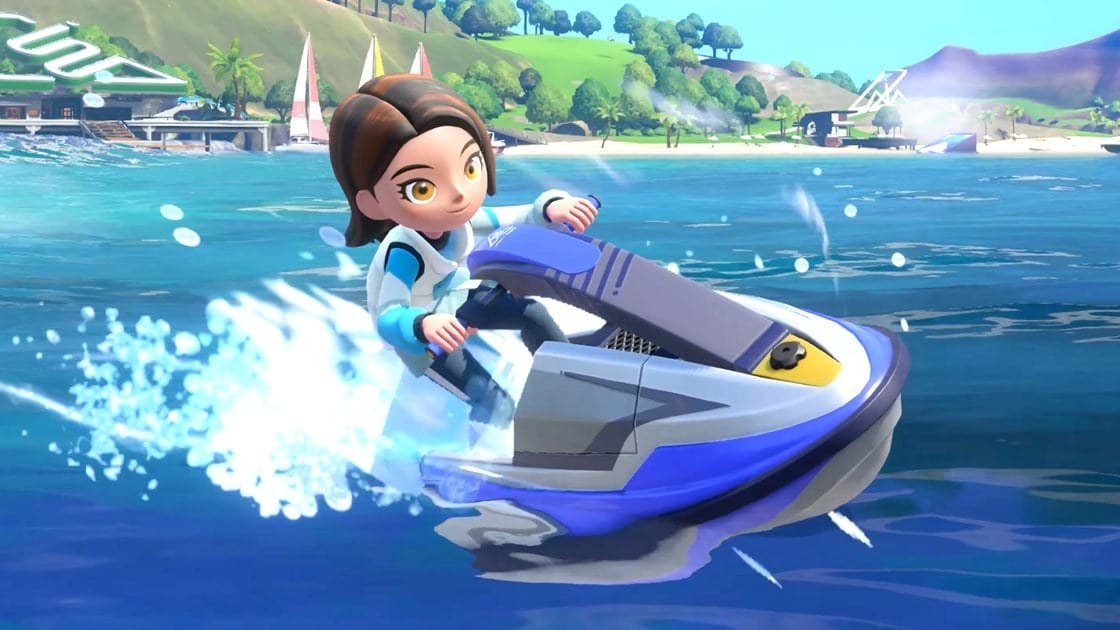
Thumb Wrestling? Switch Sports Resort Unveiled for Oct.
Nintendo announced Switch Sports Resort during today's Direct, bringing 12 sports to Switch 2 this October. Skateboarding and prop plane flying are in. So is thumb wrestling, apparently.
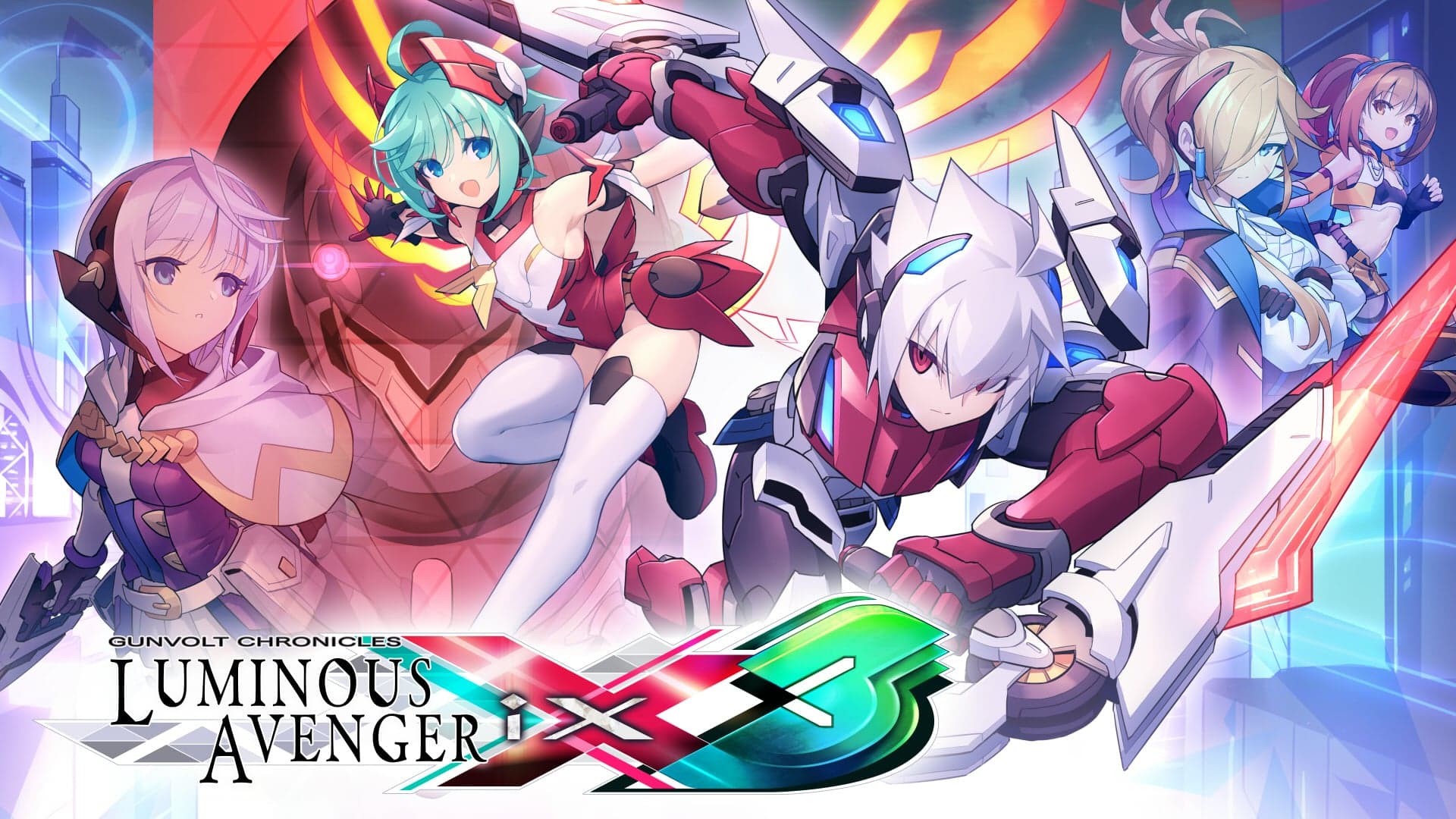
Luminous Avenger iX 3 Lands on Switch 2 in 2027
Inti Creates revealed Gunvolt Chronicles: Luminous Avenger iX 3 at BitSummit 2026, bringing Copen back with new weapons and a character customization system for Switch 2 and PC in 2027.
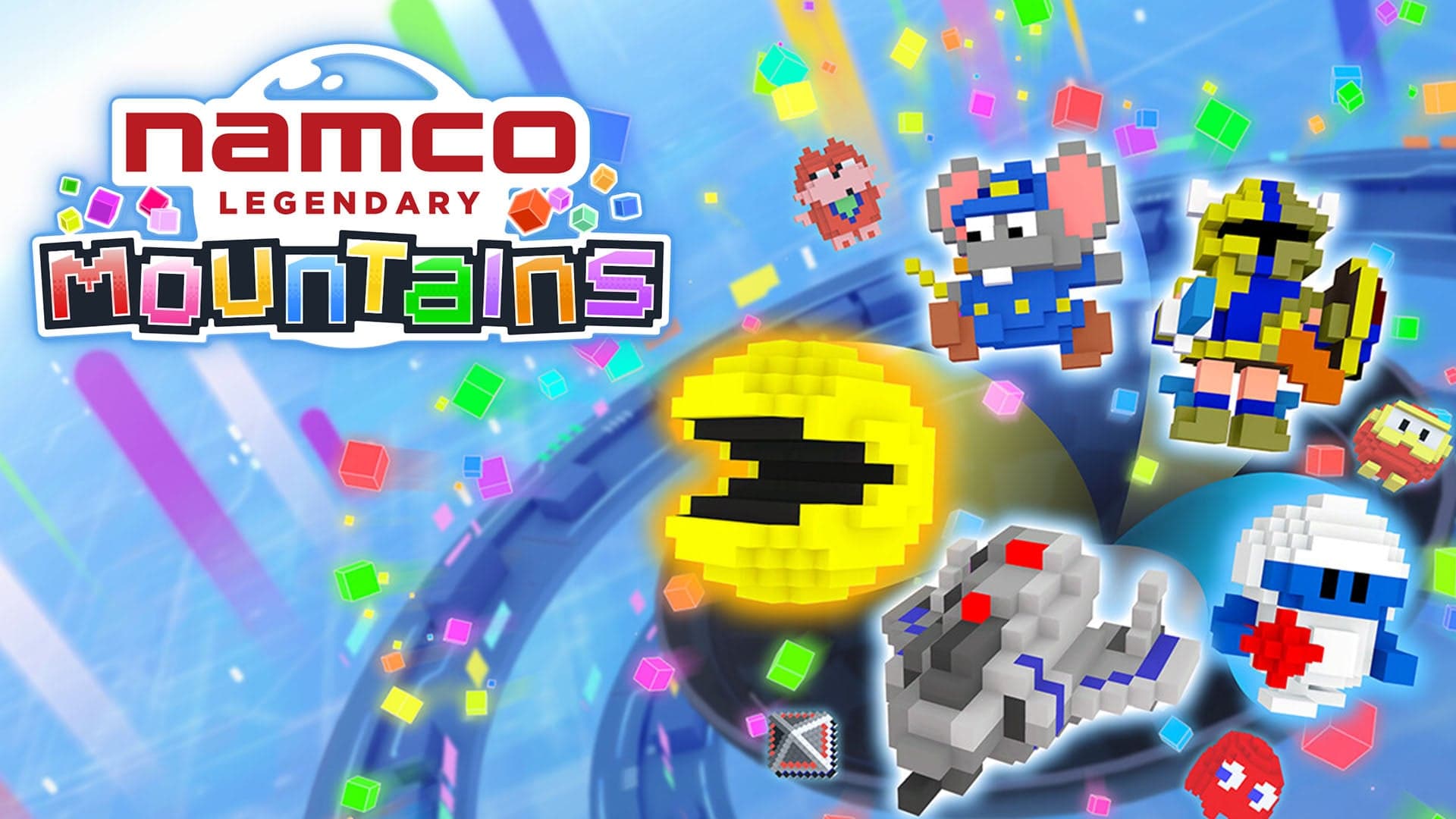
Pac-Man Meets Suika Game in Namco Legendary Mountains
BeXide and Bandai Namco are turning classic arcade characters into voxels you toss, stack, and merge in a 3D twist on the Suika Game formula. It's launching this summer on Switch 2, Switch, and PC.