Age of Empires IV - Patch 16.2 Notes (18th June 2026)
World's Edge rolls out a small but welcome update letting handheld players toggle between controller and keyboard UI, plus a few Abbasid fixes.

If you've been playing Age of Empires IV on a Steam Deck or ROG Ally and found yourself stuck with the controller UI, today's patch finally gives you a way out. Patch 16.2.10884 lets handheld players switch between the controller interface and keyboard-and-mouse layout directly in the options menu, a quality-of-life fix that should've been there from the start, honestly.
The rest of this update is smaller. Abbasid Dynasty gets a couple of bug squashes: the Armored Caravans and Medical Centers techs can no longer be researched multiple times (which was clearly unintended), and City Planning now applies correctly in all cases. There's also a fix for a Crucible Perk error message that was popping up when it shouldn't.
Nothing here is going to shake the meta before Raiders of the North drops, but the UI toggle alone makes this worth installing if you're a handheld player. Check the full notes below for the complete breakdown.
Full Patch Notes
▲ Buff✓ Fix◆ Tweak AoE Official

Happy June! We hope everyone is looking forward to Raiders of the North, which was officially announced earlier this month and we canât wait to tell you more about it in the months to come! In the meantime, weâre following up on our last patch with a few small changes based on your feedback, including enabling the option to switch between the Controller and Keyboard and Mouse (KBM) user interfaces on handheld devices.
Official Forum Steam Forum Join Discord
Thanks again to our amazing community members, all of whom have helped to make Age of Empires what it is today!
âThe Age of Empires Team
Remember that youâll need to update your game in the Microsoft Store:
- Open the Microsoft Store.
- Click the [â â â ] symbol next to your profile picture.
- Select Downloads and updates.
- Press the Get updates button to automatically detect, download, and install the latest changes to your game!
- Open the game. The title screen should show you on Build 16.2.10884.
If you are unable to launch the game after downloading the update, make sure you add (or re-add) the Age of Empires IV client or folder as an exception to your firewall and antivirus program. Thatâs it; youâre ready to play!
Remember that youâll need to update your game in Steam:
- Open Steam.
- Click on Library to see your games list.
- Click Downloads at the bottom of the Library window.
- [If the new build does not download automatically,] click the Download Now button to manually download the new update.
- Open the game. The title screen should show you on Build 16.2.10884.
Thatâs it; youâre ready to play!
Remember that youâll need to update your game in the XBOX App for Windows.
- Open the XBOX app.
- Games that are installed show up on the left side of the app.
- Hover over the game or click it, and then select Update.
- [If the new build does not download automatically,] hover over the game, select More Options (â¦), choose Manage. Under the Files tab, choose the option to Check for Updates.
- Open the game. The title screen should show you on Build 16.2.10884.
Thatâs it; youâre ready to play!
- Under the games tab from the PlayStation Home Screen Locate the game and hover over it. Make sure not to select it!
- While hovering over the game press the Pause button (â°) on your controller.
- In the new pop up menu select the Check for Update option.
- If there is a new update available, this will automatically start the download. If your game is on the most recent version, selecting this option will confirm that information for you.
Thatâs it; youâre ready to play!
Still having trouble? Visit our support site!
Please Note: As part of updating to this latest build, any saved games and observable matches made on previous builds will be unable to be loaded or replayed.

In our last patch (16.2.10604), we introduced controller support on PC as well as the controller UI for handheld devices like the ROG XBOX Ally and Steam Deck. Since then, weâve heard from many of you that youâd like to be able to return to the KBM user interface or switch between the two with more ease. Starting today, youâll be able to select between the two UIs in the in-game options menu on handheld.

General Bugfixes
- Fixed an issue where the Crucible Perk point maximum message was displayed in error.


- Fixed an issue that allowed the Armored Caravans and Medical Centers technologies to be researched multiple times.
- Fixed an issue that caused the City Planning technology to not be applied in some cases.

Investigation
Your reports continue being crucial to our prioritization and implementation of fixes and features in the game. Keep them coming!
For other known issues, please visit this page to see whatâs being tracked!
DISCLAIMER
Please note that this list is subject to change and should not be considered a comprehensive list of all the known issues weâre tracking. The above is to inform you of the teamâs current priorities, which will change as other issues arise or take precedence.
For the latest updates and announcements, please visit our social channels.
Sources
Stay on top of every update — find all the latest patch notes and gaming news at XP Gained. Join our Discord for live patch note alerts and discussion.
Written by
Nathan LeesGaming journalist and founder of XP Gained. Covering patch notes, breaking news, and updates across 160+ games.
Related Posts

Age of Empires IV - Patch 16.2 Notes (1st June 2026)
Patch 16.2.10475 brings Jin Dynasty rebalancing, sweeping map symmetry fixes, and a new option to run the controller UI on PC, including Steam Deck and ROG Ally.

Steam Controller Finally Works in KCD 2
Valve's latest Steam Beta update squashes a Steam Controller bug in Kingdom Come: Deliverance II, alongside overlay and Remote Play fixes.
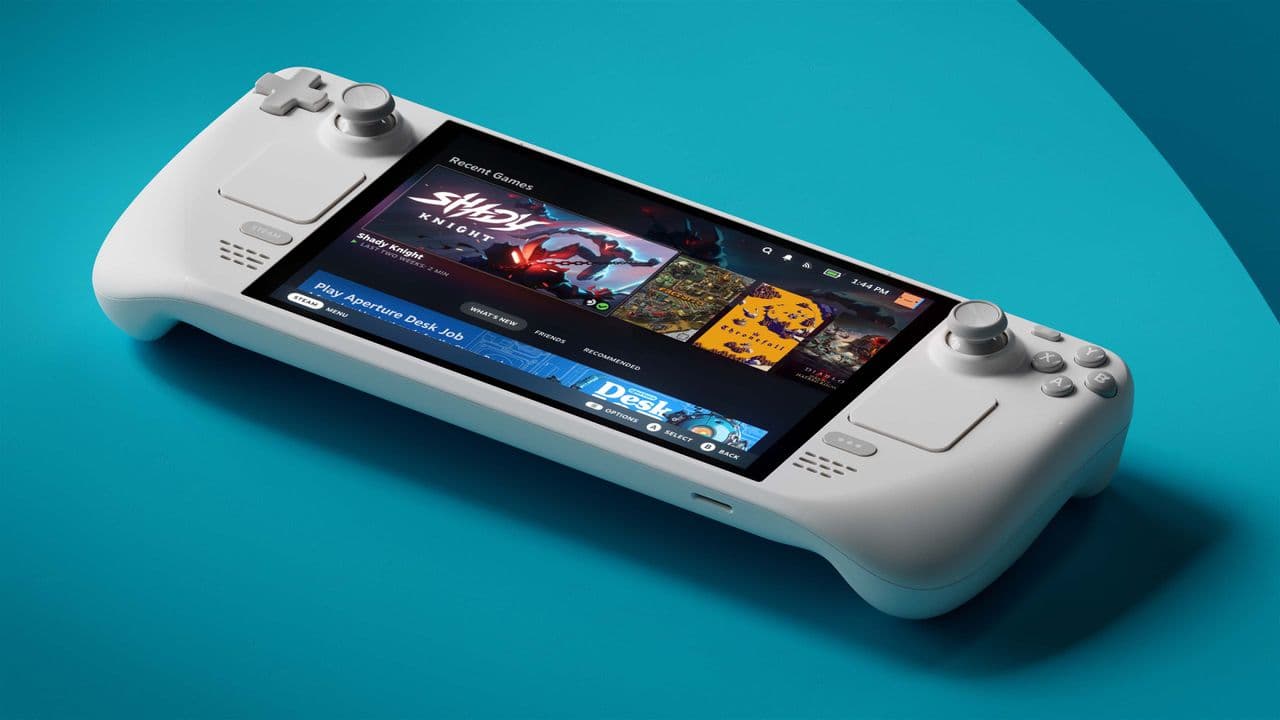
50% Faster Isn't Enough? Valve's Wild Bar for Deck 2
Valve's Pierre-Loup Griffais confirms the company is 'hard at work' on Steam Deck 2, but won't settle for anything less than a generational performance leap over the original.