Stalcraft X Patch Notes (15th July 2026)
Photo mode arrives in Stalcraft X with 12 camera presets, zoom controls, and a redesigned smooth camera system. The Advanced Case gets fresh contents too.
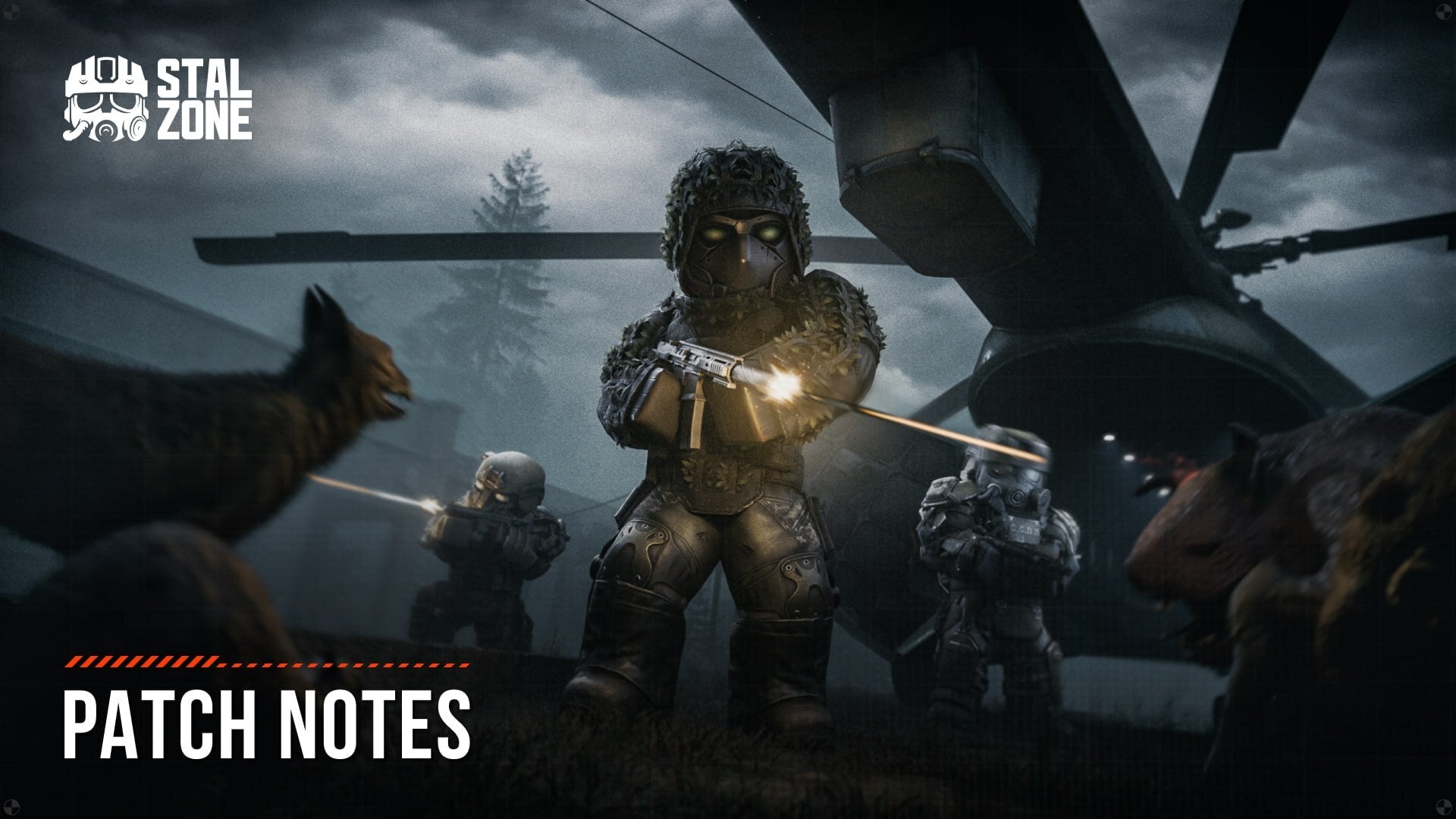
Stalcraft X gains a proper photo mode today, complete with 12 styled camera presets ranging from VHS and Lo-Fi to vaporwave and CCTV. Accessed via F4 by default, it lets you zoom from 1.00× to 8.00×, adjust roll, control movement speed, and toggle a grid overlay. When you're composing a shot, your weapon holsters, HUD vanishes, and all status indicators disappear, though you can draw your weapon back if you want it visible in the frame. Screenshots automatically hide the interface, so no manual faffing required.
The smooth camera system has been completely redesigned with its own settings section, letting you adjust responsiveness and smoothing intensity at the start and end of turns. There's a revert option if you prefer the old logic, though you'll lose access to the new controls in that case.
Beyond the camera work, the Advanced Case rotation includes the ZIVCAS Sisyphus-6 and FN Five-seveN, FAMAS G2 and Glock 18X parts are now convertible, and records have returned to Northern faction territories. Check the full patch notes for every bolt sound fix and Personal Shop improvement.
Full Patch Notes
Contents
● Photo mode
● Advanced case
● Other changes and fixes
Photo mode
Photo mode has been added to the game. By default, you can access it by pressing the F4 key.
Camera settings available:
● Zoom from 1.00× to 8.00×
● 360° Roll
● Movement speed setting from 1.00× to 0.00×
● Grid
● 12 styled camera presets (VHS, Lo-Fi, Bodycam, Damaged Bodycam, Found Footage, Cheap Digital Camera, Disposable Film, STALRUNNER 2049, vaporwave, Noir, Sepia, CCTV) + 1 standard preset
When photo mode is activated, the player's weapon is holstered, and all HUD elements, on-screen indicators for infection, suppression, critical injury, and cold, as well as the first-person view of the player's hands and body, are hidden.
In photo mode, you can optionally draw your weapon from its holster. In this case, the character is displayed in first-person view again, and zooming is disabled.
You can also hide the photo mode interface by pressing the F1 key or disable it in the general HUD display settings.
In screenshots taken in photo mode, the photo mode interface and the rule-of-thirds grid are not displayed — there is no need to hide them manually before taking a photo.
This is the first iteration of the photo mode. Based on your feedback, we'll continue to improve it by adding new settings and presets and expanding its functionality. Share your thoughts — every opinion matters to us!
Smooth camera
Smooth camera (previously known as the cinematic camera) has been redesigned.
There is now a separate “Smooth camera” section in the game settings where you can adjust the responsiveness and the intensity of mouse movement smoothing at the start and end of a turn.
For those who prefer the old logic, there is an option to revert to the previous version. However, in this case, the new smoothing settings are no longer available.
Other
● Removed the old feature that hid the hands using the Ctrl+F1 shortcut due to the addition of a full-featured photo mode.
● Key bindings for screenshots, hiding the HUD, and the smooth camera have been moved to the controls section.
● A new Photo mode section has appeared in the control settings, where you can assign all the keys used in this mode. When photo mode is active, these keys are given higher priority, and all other actions assigned to them are temporarily ignored.
Advanced case
Good news for those waiting for updates to the Advanced Case, here they are!
You can check out the updated contents below:
- ZIVCAS Sisyphus-6
- FN Five-seveN
Other changes and fixes
● Added the ability to convert FAMAS G2 and Glock 18X parts.
● Related records can once again be found in the home territories of the Northern factions.
● Fixed incorrect sounds for bolts with particles.
● When refreshing cards in the Personal Shop, offers with the same item will no longer appear.
Sources
Stay on top of every update — find all the latest patch notes and gaming news at XP Gained. Join our Discord for live patch note alerts and discussion.
Written by
Nathan LeesGaming journalist and founder of XP Gained. Covering patch notes, breaking news, and updates across 160+ games.
Related Posts
Stalcraft X Patch Notes (29th July 2026)
Free Play is gone from three regions, Coliseum classes face significant nerfs, and matchmaking penalties are now more granular. Here's what actually changes for you.
Stalcraft X Patch Notes (17th June 2026)
EXBO Team overhauled the Exclusion Zone's look with dynamic lighting and redesigned South locations. PvP gets rebalanced too.
Stalcraft X Game servers online Patch Notes (10th June 2026)
Server maintenance wrapped, and EXBO Team has rolled out fixes for third-person muzzle flash, skin positioning, and weapon part conversion.