Minecraft Bedrock Minecraft Beta & Preview Notes (17th June 2026)
The latest Minecraft Bedrock preview brings Sulfur Cube fixes, cloud world backup on Windows, and a pile of gameplay and UI improvements.
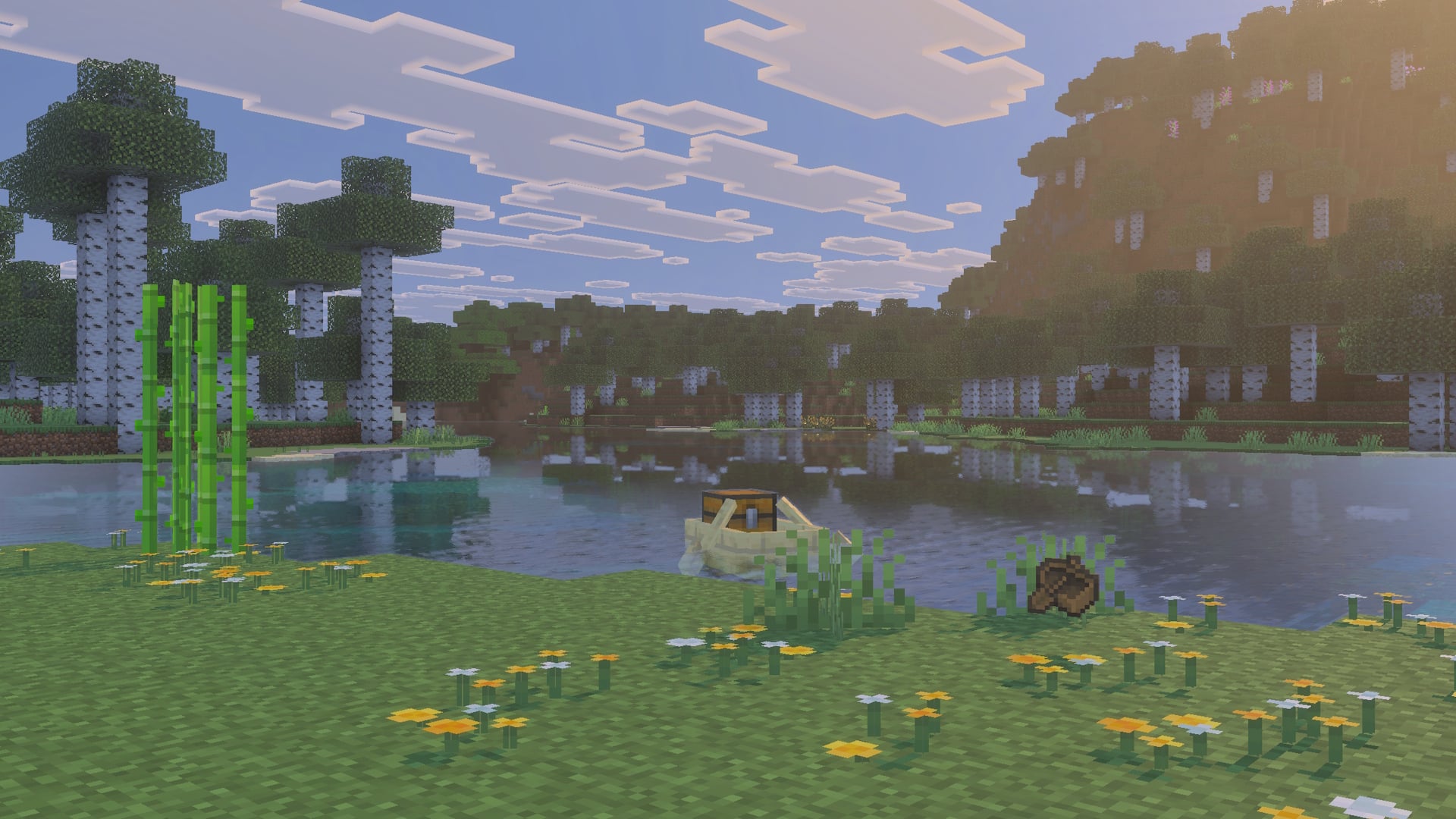
Minecraft Bedrock 26.40.26 landed today with a solid mix of fixes that should smooth out some friction points for players. The big one for creative builders: Sulfur Cubes no longer absorb Observer and Redstone Lamp blocks, which means your redstone contraptions won't get eaten mid-build. That's a meaningful quality-of-life fix if you've been wrestling with those mobs.
On the technical side, Windows players finally get cloud sync for world data, so your saves back up automatically across devices, something console players have had for a while. There's also a batch of accessibility improvements for furnace screens, fixes for split-screen on PlayStation, and better projectile behavior across the board. The Ender Dragon now deflects projectiles when perching, and boats require fewer hits to break, bringing Bedrock closer to Java Edition parity.
Graphics tweaks address texture streaming issues with thrown projectiles, and the editor gets some quality-of-life upgrades with the Custom Mesh Tool. Check the full notes below for the complete technical breakdown.
Full Patch Notes
▲ Buff▼ Nerf✓ Fix◆ TweakPosted: 17 June 2026
Information on Minecraft Preview and Beta:
- These work-in-progress versions can be unstable and may not be representative of final version quality
- Minecraft Preview is available on Xbox, PlayStation, Windows, and iOS devices. More information can be found at aka.ms/PreviewFAQ
- The beta is available on Android (Google Play). To join or leave the beta, see aka.ms/JoinMCBeta for detailed instructions
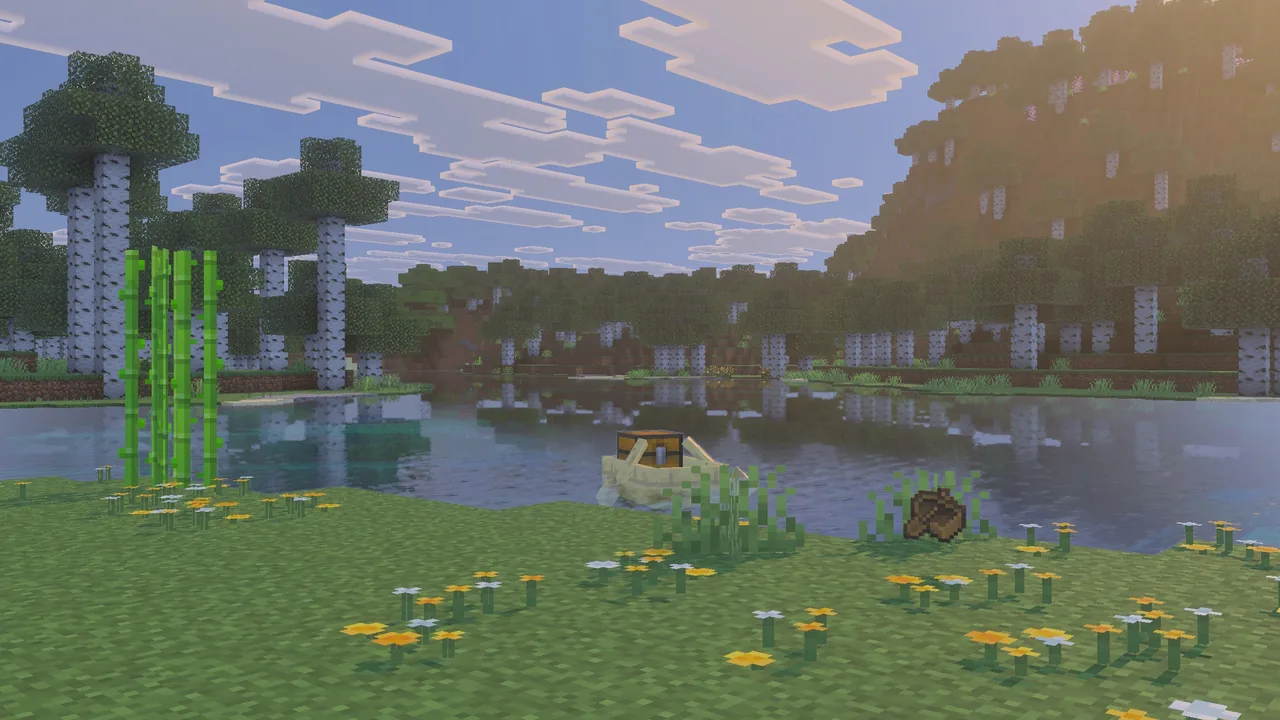
It's time for another Preview and Beta release! For the full list of goodies, browse the changelog below. And as always, we’re keen to get your feedback at feedback.minecraft.net, and you can report any bugs you find at bugs.mojang.com.
Accessibility Features
- Improved furnace screen narration of navigation tabs, toggles and smelting context of furnace slots
User Interface
- Hovered Items are no longer shown under search bar in recipe book (MCPE-237394)
Blocks
Removed Observer and Redstone Lamp from the Sulfur Cube's slow bouncy archetype so they are no longer absorbed by it
The smoke particles of the TNT block are now emitted less frequently to better match Java Edition (MCPE-239135)
Limited how long the Sulfur Spikes can grow
Fences
- Fences in pre-generated structures (Villages, Woodland Mansions, Ancient Cities, etc.) now connect correctly to their neighbors
Gameplay
Fixed an issue that prevented split-screen join on PlayStation when the primary player was signed in with a local account (MCPE-237456)
Fixed an issue where a friend's world could not be joined with the "A" button after dismissing the "Online play is not rated" warning screen
Graphical
Fixed thrown projectiles rendering as solid colors with Texture Streaming enabled (MCPE-239128)
Fixed a green outline that could appear on distant blocks when using Vibrant Visuals on some Android devices (MCPE-236296)
Fixed transparent blocks such as water and ice rendering in front of clouds when Vibrant Visuals is off
Fixed an issue where insides of a block would not be rendered while taking a screenshot inside the block.
Items
Fixed Bundles not reliably playing the pickup-pop animation in the Hotbar when picked up
Update bed item sprites to match the appearance of their corresponding blocks (MCPE-49850)
Boats now require fewer hits to break, matching Java Edition (MCPE-62683)
Boats now regenerate any damage accrued, matching Java Edition
Mobs
Ender Dragon now deflects projectiles when perching (MCPE-44493)
Blocked projectiles no longer bounce off targets too early
Sulfur cubes with a block absorbed now deflects projectiles
Creative players now deflect projectiles
Character Creator
- Fixed an issue where character creator changes could revert to their previous appearance after restarting the game.
Realms
Fixed an error that occurred when opening Realms Hub without Admin permissions
Fixed an issue where the Active Behaviour or Resource pack tab in Edit World wouldn't be selected by default when there was at least 1 active pack
Removed the possibility to trigger older join realm flow logic from using an invite link with the game closed
Realms Hub
Fixed restart modal showing for region settings when no changes were made
Made various adjustments to the UI under Realms Hub->World->Slots to improve visual clarity and consistency
Sounds
- Fixed critical hit sounds and some jumping/landing sounds not being affected by the "Player" sounds volume control
- Music now plays in Lush Caves, Meadow, Stony Peaks, Snowy Slopes, Frozen Peaks and in Swamps
User Interface
Fixed a bug where selected resource and behavior packs were removed from the active list after viewing a pack's technical details when creating a new world.
Fix Controller Settings tab behavior when using a Gamepad with the Swap button option active (MCPE-238160)
Fixed the side panel on the Report Player screen narrating itself as a story post instead of describing the player being reported
Fixed an issue where non-operator players connected to a dedicated server could see the world seed in the Game Settings menu. The seed and copy-seed button are now hidden for non-operator clients on multiplayer servers
Hardcore icon is shown correctly on the Hardcore mode switch in the Settings menu (MCPE-239433)
Renamed the Content tab header on the Marketplace Pass product page to "Included in Marketplace Pass", surfaced the "ALL PACKS" and "CHARACTER CREATOR SETS" buttons above the pack grid, and moved the descriptive content type block to the bottom of the tab
Preview only: Fixed the cloud upload progress modal getting stuck when uploading a shared world. The button is never presented to players as these worlds don't participate on cloud storage. (MCPE-239096)
Hovered Items are no longer shown under search bar in recipe book (MCPE-237394)
World Storage
- Adds Cloud Sync support for World data on Windows, ensuring world data is backed up and accessible across devices on that platform.
AI Components
-
Made schemas for the following components stricter when parsing and will fail to load an entity json that has invalid data in versions 1.26.40 and newer.
minecraft:annotation.open_doorminecraft:bucketableminecraft:hideminecraft:managed_wandering_traderminecraft:persistentminecraft:trade_resupplyminecraft:trust
API
Fixed issue where
Dimension.fillBlockswould not work when called with a block filterReleased
class PlayerStartBreakingBlockAfterEventfrombetatov2.9.0Released
class PlayerStartBreakingBlockAfterEventSignalfrombetatov2.9.0Released
class PlayerCancelBreakingBlockAfterEventfrombetatov2.9.0Released
class PlayerCancelBreakingBlockAfterEventSignalfrombetatov2.9.0Released
interface PlayerBreakingBlockEventOptionsfrombetatov2.9.0
Dedicated Server
- Fixed content-log-file-enabled option not creating log file when set to true (BDS-23033)
Editor
Fixed the cursor indicator from hiding transparent and semi-transparent blocks (e.g., water, glass, ice) behind it, which also caused a missing block in the Paste Preview at the cursor position
Fixed a bug that caused gameplay hotbar to display in Editor tool mode
Added a "Scale By" axis selector and a "Change Mesh" button to the Custom Mesh Tool, letting you size the mesh along its longest, width, height, or depth axis and swap in a different mesh file without leaving the tool.
The Custom Mesh Tool now keeps the imported mesh loaded after placing or cancelling a placement, so you can place the same mesh multiple times without re-importing. The mesh and preview stay ready until you press Cancel while idle or change the mesh.
Updated introduction floating window to be resizable
Fixed a bug where deleting a world template locally and entering Edit World for that world caused potential data loss
Graphics
- Optimized FrameGraph topological sorting algorithm by replacing DFS-based approach with Kahn's algorithm for improved performance and clarity
Stability and Performance
Fixed an occasional crash when loading structures
Added a limit of 512 nested entries in Nbt ListTags and Compound tags (same as Java), this fixed a crash that could occur when loading NBT data with excessively deep nesting of compound and list tags
Fixed an issue where game sessions were unable to be joined when the system clock was off by over a year.
Blocks
-
Each pack now has its own 1KBytes block dynamic properties limit instead of being global
- Storage structure was updated, your saved properties will be lost
Block-entity's dynamic-properties are now serialized in a readable NBT format, similar to their item-stack and entity counterparts
Block-entity's dynamic-properties stored on an item-stack can now be modified through the new
setmethod
Graphical
- Under the RenderDragon Features for Creators Experiment
- [Re-enabled] Migrated colored block light storage to the GPU
- There may be new artifacts with light leaking through or around blocks
- [Re-enabled] Colored block lights now influence Volumetrics
- [Re-enabled] Migrated colored block light storage to the GPU
Sources
Stay on top of every update — find all the latest patch notes and gaming news at XP Gained. Join our Discord for live patch note alerts and discussion.
Written by
Nathan LeesGaming journalist and founder of XP Gained. Covering patch notes, breaking news, and updates across 160+ games.
Related Posts
Minecraft Bedrock 26.40 Patch Notes (4th August 2026)
Bedrock 26.40 lands today with two major experimental features graduating to full release: the Dappled Forest biome and a suite of new blocks including Poplar trees and cushions. But the real story is a critical revert that restores minecart behaviour players lost in 1.21.0.
Minecraft 26.3 Snapshot 7 Patch Notes (4th August 2026)
Minecraft Dungeons II is official. The sequel expands the dungeon-crawling formula across the Overworld and beyond, adding a fresh antagonist and scaling co-op to four players.
Minecraft Bedrock 26.50.22 Patch Notes (28th July 2026)
Drop 3 2026 features are no longer experimental and now ship by default. This patch also tackles long-standing crashes and fixes a critical bug where players could respawn in the Nether after dying inside a portal.