7 Days to Die V3.0.1 Stable Patch Notes (13th July 2026)
The survival sandbox gets a stability pass with fixes for cosmetics, sign tech crashes, and PvP damage edge cases.
The Fun Pimps have pushed V3.0.1 Stable for 7 Days to Die, rolling out a collection of fixes that address some friction points introduced in the V3.0.0 cycle. This isn't a content drop, but it's the kind of stabilisation pass that keeps a survival sandbox from becoming actively frustrating.
The sign tech system was causing ArgumentNullException errors when joining games, which is exactly the sort of silent killer that tanks multiplayer sessions. That's sorted now. On the cosmetics front, several male and female outfits were missing arms entirely, which is less game-breaking than it is embarrassing. The Beachwear set also had its own set of issues. Those are fixed.
There's a clutch fix for airdrops too: they weren't dropping at night when the sandbox setting was configured for night play, which made that mode feel broken. PvP damage edge cases where players could take damage with killing settings disabled are now patched. The full list includes every sign tech improvement, cosmetic correction, and console error fix.
Full Patch Notes
▲ Buff✓ Fix◆ TweakHello Survivors!
V3.0.1 is now Stable with fixes for several reported bugs.
Here’s what changed since V3.0.0 b259:
Changed
- Sign Tech error handling improvements
Fixed
- Several issues related to the Beachwear Cosmetic
- Several male and female outfits missing arms
- An issue in the Sign Tech system that could cause ArgumentNullException errors when joining a game
- Item max degradation can be reset by restarting game and rejoining a server
- Zombie loot bag name and missing inventory action buttons
- Dedi client Biome zombie kills with Celebrate do not count towards Kill Challenge
- Error in console when a client kills with celebrate turned on
- Players can take PVP damage with no killing settings under some conditions
- Cannot pick up user-placed items at claimed trader
- Airdrops not dropping at night when sandbox setting is set to “night”
- Splash screen message can be seen behind main menu load
- Localized text overlapping on player screen
- Typing s while searching in shape menu can unintendedly favorite a shape
- Unsaved Custom Preset Summary does not always update last changed item
- Door frame in downtown_filler_30 cannot be damaged
- Changing RWG preview quality after returning to the screen causes an error
- Prefab Editor part name in POI marker editor is overlapping
- World Editor was visible on consoles
- NRE when receiving NetPackageLockRequest
Sources
Stay on top of every update — find all the latest patch notes and gaming news at XP Gained. Join our Discord for live patch note alerts and discussion.
Written by
Nathan LeesGaming journalist and founder of XP Gained. Covering patch notes, breaking news, and updates across 160+ games.
Related Posts
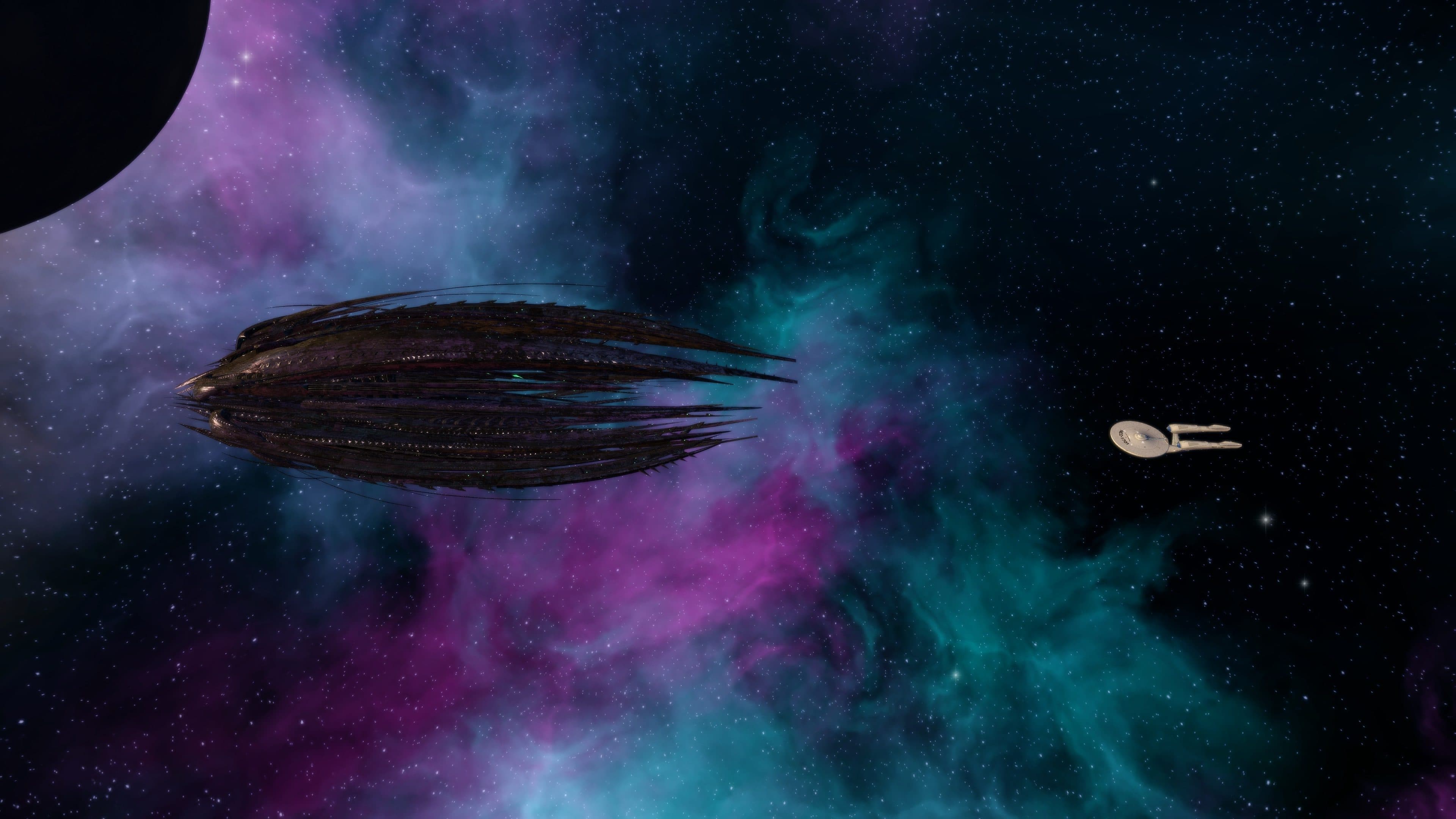
Star Trek Online Patch Notes (11th August 2026)
The Narada from the 2009 Kelvin timeline film arrives as a Tier 6 Miracle Worker Juggernaut, bringing hybrid Romulan-Borg technology, a hull regeneration console, and a weapon-cycling starship trait.

War Thunder 2.57.1.81 Patch Notes (11th August 2026)
War Thunder's latest patch tackles several long-standing missile guidance issues that have caused weapons to detonate late or miss entirely, alongside fixes for naval turret alignment and interface display errors.

Warhammer 40,000: Space Marine 2 Hotfix 14.1 Notes (11th August 2026)
Hotfix 14.1 targets underperforming weapons with meaningful buffs while addressing a punishing enemy ability and a string of Siege Mode progression issues.