Rust Upgrade Hard, Raid Harder Patch Notes (7th May 2026)
Rust's May update brings workbench customisation, a new long-range Mortar, and a tin can alarm that now throws grenades. Here's what changed.
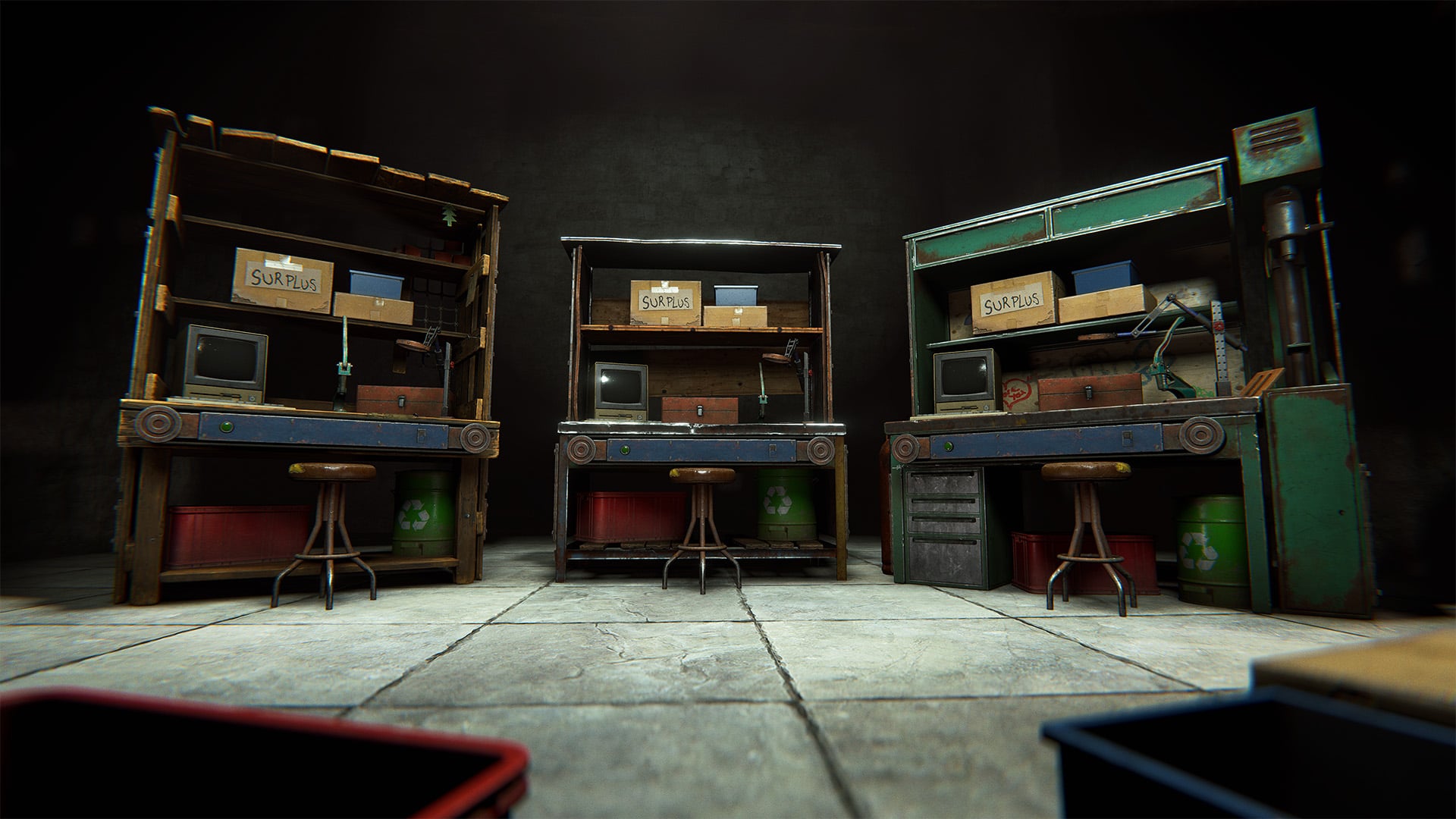
Rust's May update, Upgrade Hard, Raid Harder, is a meaty one. Is the new workbench upgrade system, which lets you slot in nine different upgrades to customise your bench's bonuses and appearance. They're rare, non-craftable, and mix-and-match, so there's an incentive to hoard them rather than burn them.
The Mortar is the other big one. It's a deployable weapon that fires over long distances with no visual aim guide, meaning you'll need binoculars to estimate your shots. Two shell types cover anti-personnel and structure damage, and the recoil system stops you from just spamming the same spot. I like that Facepunch built real skill expression into it rather than making it a point-and-click raid tool. The tin can alarm also gets a serious upgrade: it can now be loaded with grenades, molotovs, flashbangs, and more, turning it from a noise-maker into an actual trap.
Elsewhere, the server browser now uses country mapping to kill ping spoofing, the vending machine UI has been redesigned, and the Salvaged Cleaver gets the same visual overhaul the Salvaged Axe received last month. The complete notes are below.
Full Patch Notes
▲ BuffWORKBENCH UPGRADES
Workbenches have received a whole new upgrade system - along with nine upgrades to find and customise your benches with!
Each upgrade provides a different bonus effect, and you can mix and match them to find your favourite combos.
These upgrades are not craftable and will not be commonly found, so keep them safe!
Open the workbench's inventory to add your upgrades. They each have their own visual, which will alter the way the workbench looks.
If you get lucky and collect 'em all, you'll have a fully upgraded workbench - both in terms of bonuses and visuals!
MORTAR
We're adding a new anti-personnel/raiding deployable weapon: Mortar!
Functionally really similar to cannons, but is instead placed on flat land and allows for launching projectiles over long distances. Firing a mortar requires mastery through trial & error as there is no visual guide to help you land shells exactly where you want them. Instead, you'll need to pair it with binoculars to estimate how high to aim the mortar for it to land on your target.
To prevent repeated shots, the mortar has recoil that slightly bumps the mortar up on every shot, as well as a small inaccuracy that changes how far each shell lands.
You can choose between two mortar shells, one aimed to deal high damage to players while the other focuses on destroying structures.
TIN CAN ALARM CHANGES
The tin can alarm is getting a small update. You can now trap them with a bunch of different items.
How it operates has not changed, crossing its wire will trigger the trap and cause a loud clatter, alerting anyone nearby to your presence.
And you can deploy it anywhere from your base to inside monuments. Use it strategically to cover access points and defend your positions.
When triggered, it'll throw the loaded item in place.
It supports:
- F1 Grenade
- Molotov
- Bee Grenade
- Beancan Grenade
- Flashbang
- Smoke Grenade
- Supply Signal
- Flare
- Firecrackers
Watch your step!
VENDING MACHINE UI REFRESH
The vending machine UI was in need of a refresh and some improvements.
We've totally redesigned the administration page and given the purchase page a new lick of paint.
The new administration page comes with a few features: being able to quickly setup vending orders via its in built inventory, selling skins individually, and being able to reorder your existing sell orders without deleting and recreating them.
CRYPT STONE BUILDING SKIN
We’re launching a new much-requested building skin to the permanent store this month; the Crypt stone building skin. Available now from the Rust store, this building skin allows you to change the visuals of your stone tier base.
Your new home for eternity, or at least the next wipe.
Purchasable from the in-game store or Steam item store.
NOTABLE CHANGES
Computer Station now requires power
Time to put that power supply to use
Grenade throw consistency
Fixed some issues with 3rd person grenade throw animations
Floating City Vendor
Floating City Boat Vendor now sells modular boat parts to get you back on your feet if you lose your boat (and a cheaper DPV too!)
Monument Building Radius
Monuments which feature multiple no build zones now correctly display each one
Monument Road Signs
Road signs are now correctly spawning in Outpost, Junkyard and Water wells
Boat Bow Drag
Drag has been greatly increased for boats with a flat bow. Build accordingly
DISCORD X RUST SHOP
Starting today (May 7th), we’re launching the official Rust Shop directly inside Discord.
We’re actually only the second game to do this (shoutout to the Marvel Rivals team for going first), and the goal is pretty simple: making it easier to grab the skins and DLC you want, while you’re already hanging out with your team, browsing the goods right where you coordinate your raids.
To get things moving, we’re running a launch celebration for the first two weeks.
From May 7th to May 21st, every single piece of Steam Item Store DLC released before 2026 will be 20% off.
If you’ve been eyeing that specific building skin or hazmat suit for the last year, this is the time to snag it - or gift it to that special team mate.
It’s pretty seamless - anything you buy through the Discord Shop links straight to your Steam inventory. You can find the shop via our Official Discord or through the Discord Shop.
Check it out and let us know what you think in the #feedback channels!
RESKINNING DLC BARRELS
We've now released several variants of the horizontal and vertical storage barrels but due to the fact that they don't have a common vanilla item (as opposed to something like the Tool Cupboard skins) they weren't compatible with the Spray Can/Repair Bench for swapping the skin.
We've fixed that this month, allowing you to freely swap between the barrel skins. This will also be fixed for future versions of other DLC items we've released (eg. single and half height shelves).
NEW ACHIEVEMENTS
We're adding a new set of achievements related to the recent Naval Update. There are plenty of easy ones you should be able to get by just exploring the deep sea, as well as some more complicated hidden achievements that are a lot rarer in comparison - but should still come up within normal play.
Can you spot them all?
FIX HELD ANIMATIONS STOPPING EARLY
There has been a longstanding issue where if a player uses the last item in a stack, the viewmodel and player animations for using that item will stop immediately upon the item having been spent. Without affecting the timing of when items are determined to have been used (as changing this would have gameplay/balance implications), we now have a means of setting up animations to stick around after the item has been spent so they can be play out nicely before stopping.
This has been applied to all grenade types, as well as the bandage and medical syringe, and will be applied to the other held items over time.
SERVER BROWSER UPDATE
We've made some changes to the server browser.
It was possible in the past for server owners to be able to spoof ping information through various means. This would make servers show lower in ping that were actually higher in ping to you, possibly picking a server which would end up feeling laggy when your intention was to pick a local server.
We're rolling out a new system: country mapping. Based on the servers IP we get an estimate of what country the server is in, as well as its coordinates. We use those coordinates to sort servers close to you. This means that servers can no longer spoof where they are located.
For the above system to work we also need to estimate where you are located (in order to show your servers nearby). This is located at the top left of the play menu and can be overridden by you. This override is saved between sessions if you'd rather have it done manually.
BINOCULAR REFRESH
Binoculars have had a whole refresh!
The model, animations and UI have all been updated to feel more modern.
Right click to peer through the binoculars and Left click to cycle the three zoom levels.
And it pairs nicely with the new mortar!
Crafting cost has been reduced too!
SALVAGED CLEAVER REMAKE
Last month we revisited the Salvaged Axe, with a full visual and animation overhaul. This month, we’ve given the same treatment to another legacy favourite — the Salvaged Cleaver !
The Salvaged Cleaver has received a complete remake, featuring a brand-new high-quality 3D model, updated HD textures, and an entirely new animation set.
The result is a weapon that looks like it was lovingly rebuilt from junk… and still very much wants to live in your enemies’ ribs.
NEW WORKSHOP SKINNABLE: ELECTRIC FURNACE
This month’s workshop skinnable is the Electric Furnace
There are so many possibilities with skins for this item, especially as it lights up. We can’t wait to see what the community cooks up!
To make your own Electric Furnace skin, head over to the in-game workshop and locate the Electric Furnace deployable item. From there, you can download the model file and add your own materials.
TWITCH RIVALS - BASE INVADERS
Twitch Rivals - Base Invaders is back!
Watch and earn an exclusive Twitch Rivals HMLMG skin for one day only!
This drop will be tied to the Twitch Rivals channel and only active during the broadcast window.
20 teams of 5 will battle it out, while 5 general Twitch Drops are available for 5 days only!
Drops start: May 13th - 11AM PT/ 2PM ET/ 7PM BST
Drops end: May 18th - Midnight PT / 3AM ET / 8AM BST
Connect your accounts to claim your drops!
PERFORMANCE: BATCHED PLAYER PROCESSING
Removal of UsePlayerUpdateJobs 0/1
Last update I mentioned that I was planning to remove old player processing code. The vanilla (UsePlayerUpdateJobs 0) and our first version of batching (Jobs 1) mode code has been removed. You can still set UsePlayerUpdateJobs to lower than default 2, but it won't have any effect and it'll run as if it's set to 2.
UsePlayerUpdateJobs 3 still experimental
This patch we've made a couple bug fixes and tweaks that should both reduce number of garbage allocated for creating tasks every frame (our fork of UniTask can now reliably pool internals) and improved scheduling of physics queries for our server-side player checks. We're going to be switching some of our servers for Jobs 3 mode and seeing how they run over next month. If it holds, we'll promote it to default.
Going forward
Alongside above, we're also working on eliminating some of the bottlenecks that prevent us from more heavily relying on parallelization:
- The way our Pool is implemented causes a lot of contention on a singular lock - I'd like to ship an improvement in Jobs 3
- We still have a lot of player state that's stored in a way that prevents us from converting to Burst code and having to run recaching logic every frame - it would be gradually completed in Jobs 3 and future modes
- We need to find a way to make entity saving multithreading safe (which means no Unity API calling) - hoping to tackle for Jobs 4
We're slowly getting to the point where player processing is not the slowest part of the server workload. I'd like to squeeze out as much benefit as I can while it's still worthwhile before moving to the next big server performance problem.
DEEP SEA LOOT BALANCE
We've reduced the amount of loot you can find in the Deep Sea.
Loot found in that side of the map was a little too generous compared to the other monuments and areas in the game.
However, Scientist boats will also have less guns overall.
WINDOWS SERVER 2016 EOL ANNOUNCEMENT
We are currently in the process of upgrading to Unity 6. This means Windows Server 2016 / Windows 8 and older will no longer be supported. The minimum required version will be Windows Server 2019 / Windows 10 Version 21H1 (Build 19043) or newer.
From our metrics none of our players are still on Windows 7 or Windows 8, so we aren't concerned about that. However, we suspect some server hosts are still running Windows Server 2016. If you run a Rust server, consider this the first and final notice that you need to upgrade to at least Windows Server 2019 by the end of the month.
Sources
Stay on top of every update — find all the latest patch notes and gaming news at XP Gained. Join our Discord for live patch note alerts and discussion.
Written by
Nathan LeesGaming journalist and founder of XP Gained. Covering patch notes, breaking news, and updates across 160+ games.
Related Posts
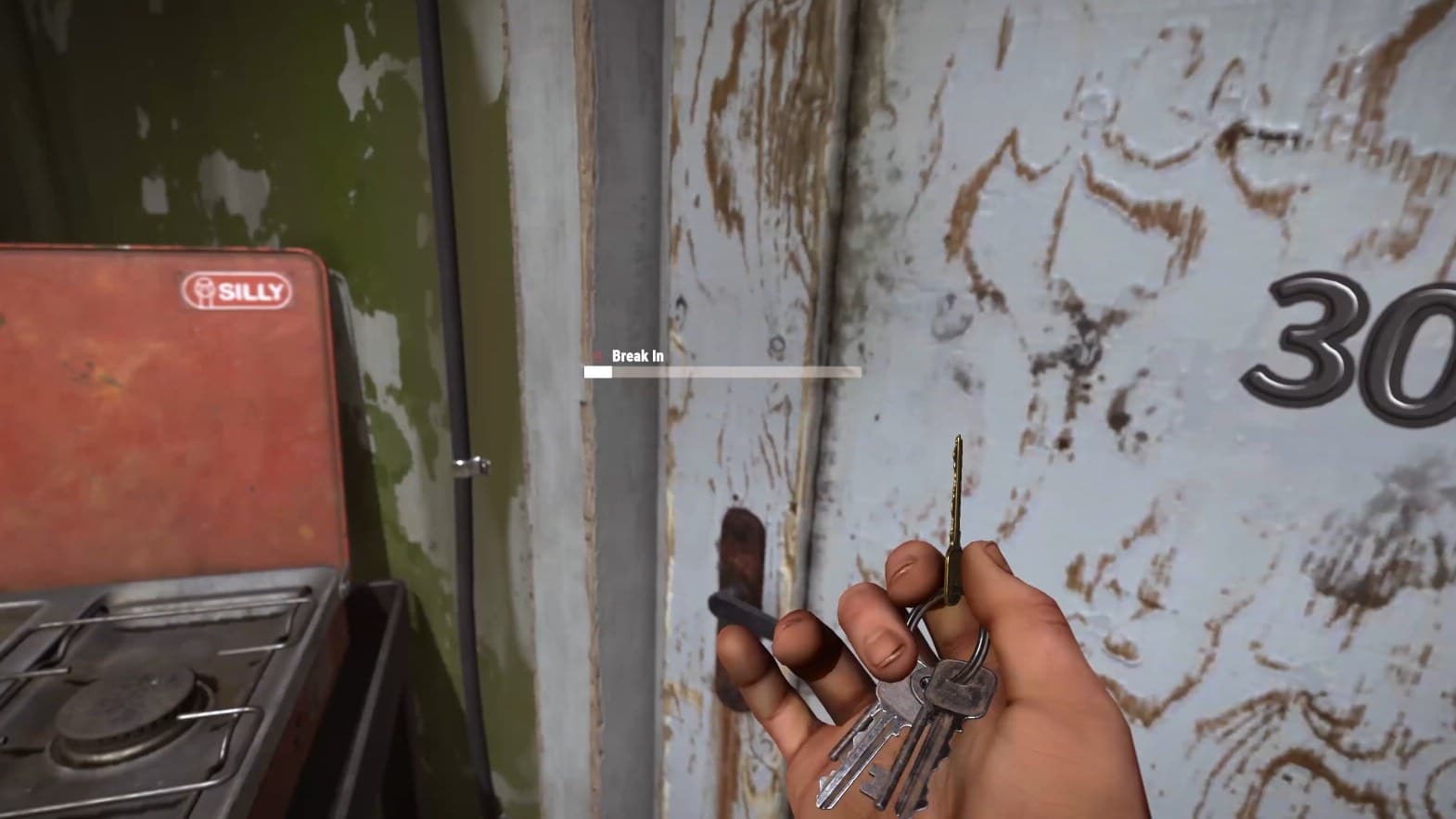
Rust Power Trip Patch Notes: Player Maintained Monuments (6th August 2026)
Rust's Power Trip update introduces Player Maintained Monuments, a system that forces server-wide cooperation by tying critical island infrastructure to a single power plant. Multiple new monument mechanics and the first satellite crash event reshape how players interact with the map.
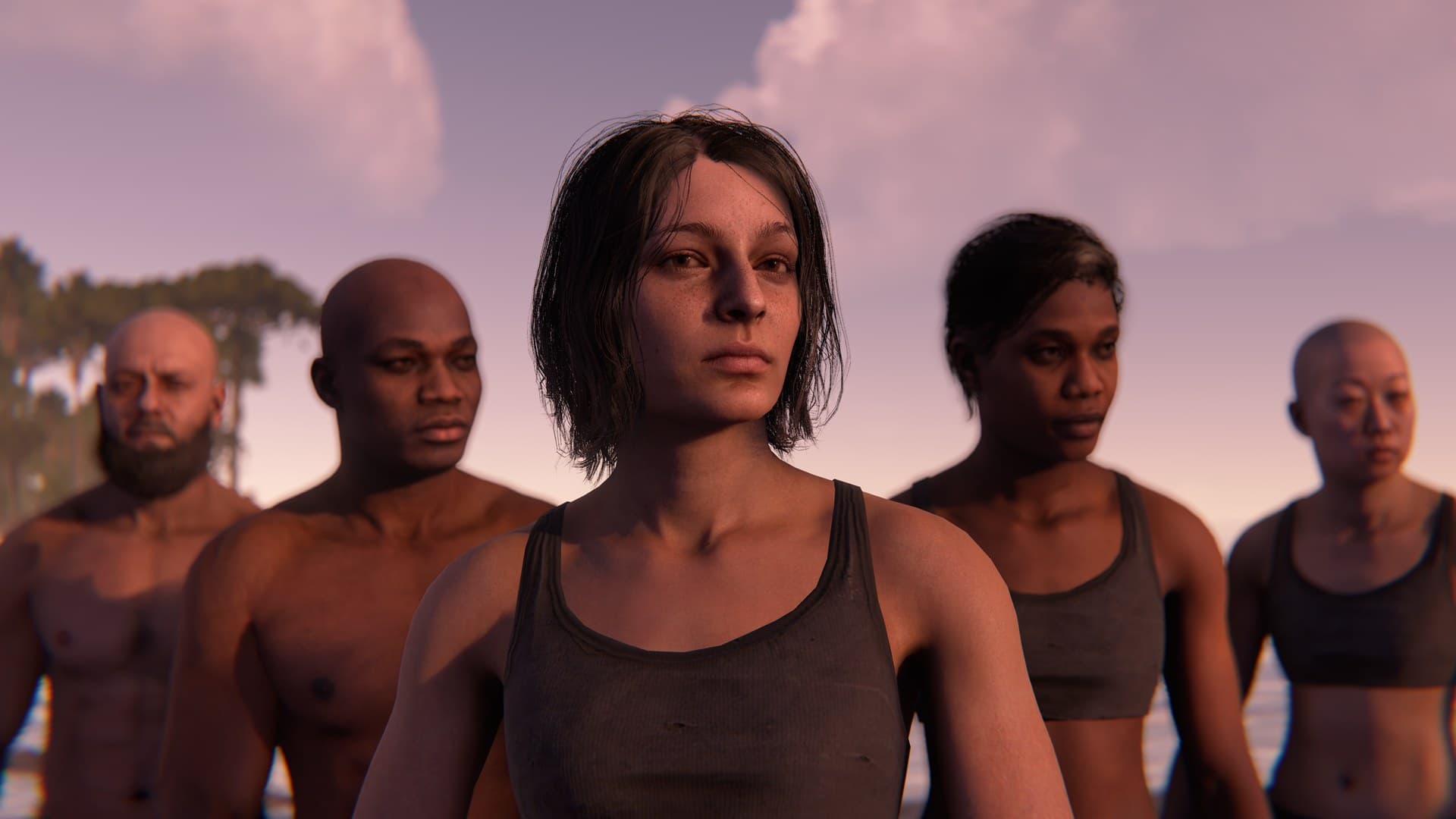
Rust Built Different Patch Notes (4th June 2026)
Rust's biggest visual overhaul in nearly a decade is here, alongside a new weapon, new armour, and a reworked animation system.
Rust 2 Steam Page Appears, Facepunch Says 'Nope'
A legitimate-looking Steam page for Rust 2 appeared out of nowhere, a Facepunch developer said 'you saw nothing', and then the studio's founder flatly denied the whole thing. It's been a morning.