Euro Truck Simulator 2 1.60 Update: Job Details Notes (23rd May 2026)
SCS Software is reorganising how job information is displayed in ETS2, pulling scattered data into a single on-screen widget so you never have to pause mid-haul to check your cargo details.
If you've ever had to pause Euro Truck Simulator 2 mid-haul just to check your remaining delivery time or cargo weight, the 1.60 update is fixing exactly that. SCS Software has announced the Job Details Widget, a new HUD element that consolidates cargo type and weight, delivery location, job income, and remaining job time into a single, always-visible display.
Right now that information is scattered across Quick Info and the GPS, which means breaking your flow to dig through menus. The new widget, toggled via the Widget Options menu (F6), puts it all in one place. Job income gets colour-highlighting, which is a small touch but a useful one for quickly gauging whether a run is worth the detour. As part of the reshuffle, remaining job time moves off the GPS entirely and lives exclusively in the widget, while rest stop info shifts the other way, dropping from job details and appearing only on the GPS.
It's a sensible reorganisation rather than a flashy feature drop, but for a sim where clean information flow affects how you plan routes and manage time, I'll take it. Full patch notes below.
Full Patch Notes
With the upcoming 1.60 update, we are continuing to refine the widget system in both Euro Truck Simulator 2 and American Truck Simulator based on feedback gathered from our community. Following that, we will be introducing the Job Details Widget, so let's see the changes that will be coming.
Based on the feedback from our #BestCommunityEver and upcoming widget designs, the Job Details Widget will be introduced with the 1.60 update. Its primary purpose will be to enable a new, more immediate, and concise way of displaying relevant job info.
In the current design, this info is spread across multiple screens, most of it displayed as part of Quick Info, which currently shows the place of pick up and delivery, job income, cargo type and weight, the next rest stop, and remaining time to complete the job, which is also displayed under the GPS.
Once added, you'll be able to enable the Job Details Widget through the Widget Options menu (F6). The widget will display key job information, including cargo type and weight, delivery location, job income (colour-highlighted), and the remaining time to complete the job, so players will have this info available immediately without the necessity to pause the game.
In addition, the remaining job time will no longer appear on the GPS and will instead be shown exclusively in the Job Details Widget, while the next rest stop information will be removed from the job details and will only appear on the GPS.
We hope that, through ongoing community feedback, we can continue to refine the widget system and improve the overall player experience.
Until next time, remember to stay tuned for more news from the upcoming 1.60 update by following us on our X/Twitter, Facebook, Instagram, Bluesky, and YouTube. We would also really appreciate it if you could sign up for our newsletter. Keep on truckin'!
Sources
Stay on top of every update — find all the latest patch notes and gaming news at XP Gained. Join our Discord for live patch note alerts and discussion.
Written by
Nathan LeesGaming journalist and founder of XP Gained. Covering patch notes, breaking news, and updates across 160+ games.
Related Posts
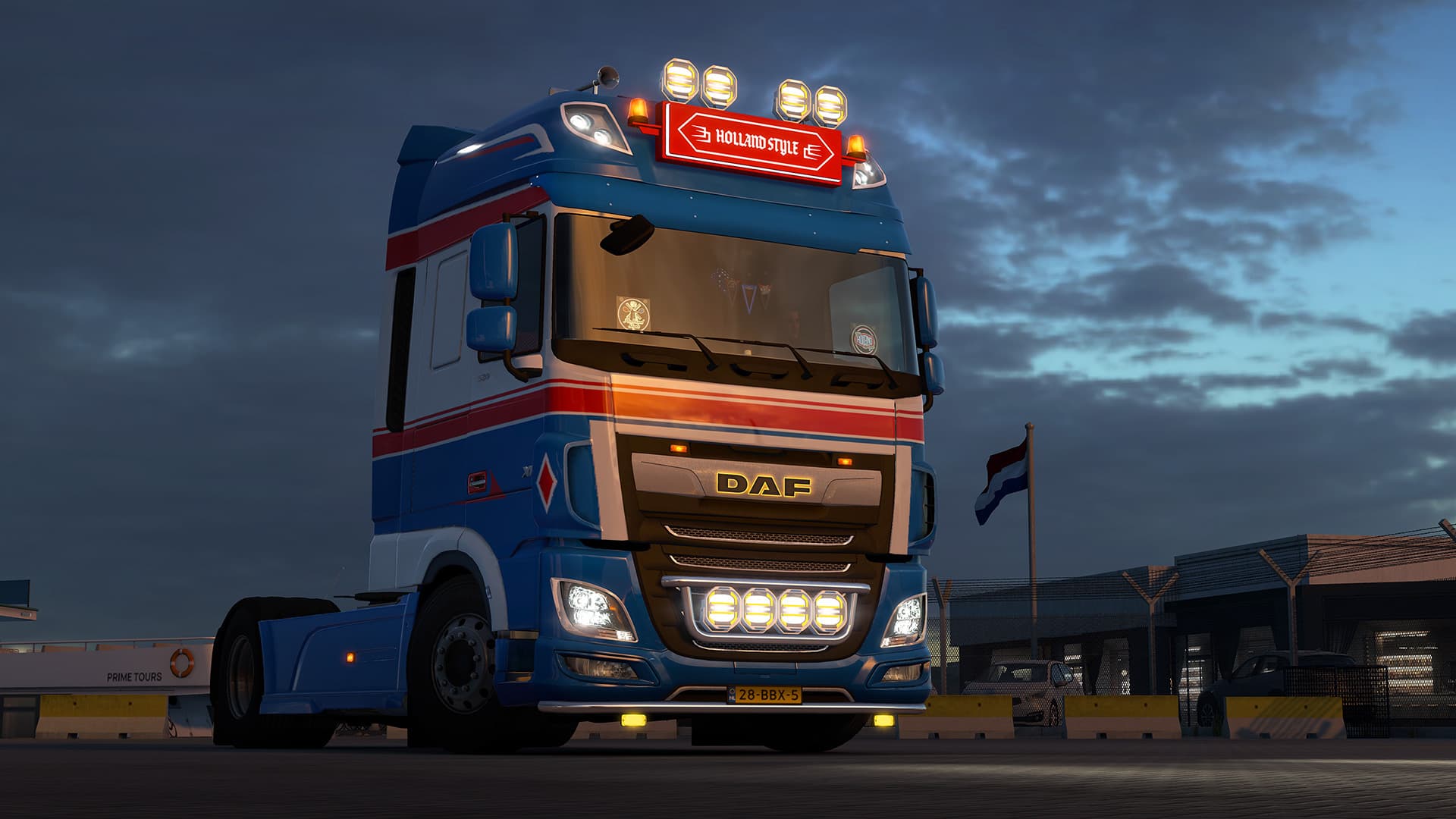
Euro Truck Simulator 2 Holland Style Tuning Pack DLC (30th June 2026)
SCS Software releases the Holland Style Tuning Pack, the biggest customization DLC yet for Euro Truck Simulator 2, featuring licensed accessories and 23 paint jobs.
Euro Truck Simulator 2 1.60 Update Patch Notes (18th June 2026)
SCS Software's 1.60 update lands with a curated in-game radio system, overhauled truck interiors, and player-controlled rest mechanics.
Euro Truck Simulator 2: 1.60 Update Open Beta Notes (4th June 2026)
SCS Software's 1.60 Open Beta lands with a curated in-game radio system, a split fatigue mechanic, and better-looking truck interiors.